Studio settings
Studio Settings menu. The page has three tabs.
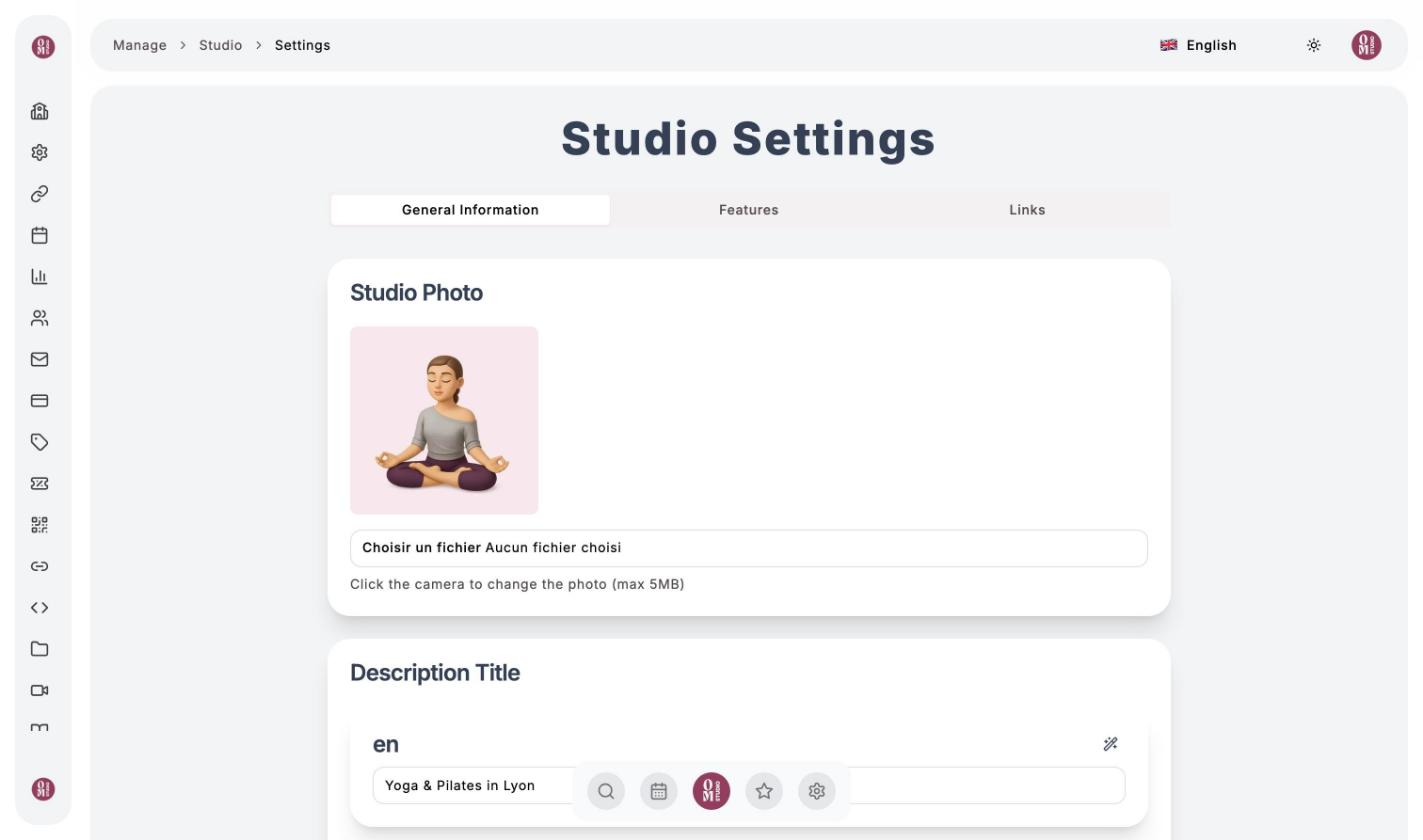
General Information
- Studio Photo: your logo or a photo (5 MB maximum).
- Description Title and Studio Description: shown at the top of your public page. Enter them in your language; the magic wand can correct, reword or translate them, and Afficher les autres langues (Show other languages) gives access to French, German and Spanish.
- Time zone: the time of your classes. It can only be changed as long as the studio has no activity; after that, contact support.
Click Save Changes.
Features
Turn your studio’s sections on or off: Collections, Blog, Programs, Calendar, FAQ and Products (shop and subscriptions). Choose the Default Page, the one that opens when a visitor arrives at your studio, then click Save Configuration.
Links
Add links to your website and social networks (a label and a URL for each link). They appear on your public page.
FAQ
FAQ menu: click Ajouter une question (Add a question), enter the question and its answer, then Enregistrer (Save). Your clients find the FAQ in the ? tab of your studio. It is the ideal place for your cancellation rules, what to bring, or how to get into the venue.
To present your activity in more depth, use the blog.
Last updated on