Online content
Sell your classes as videos, organize them into collections, create programs and publish blog posts. Your clients access them with your video plan, by buying them one at a time, or for free if you choose (see Pricing).
Add a video
Your videos stay hosted on Vimeo or YouTube; OmStudio presents them and controls who can watch them.
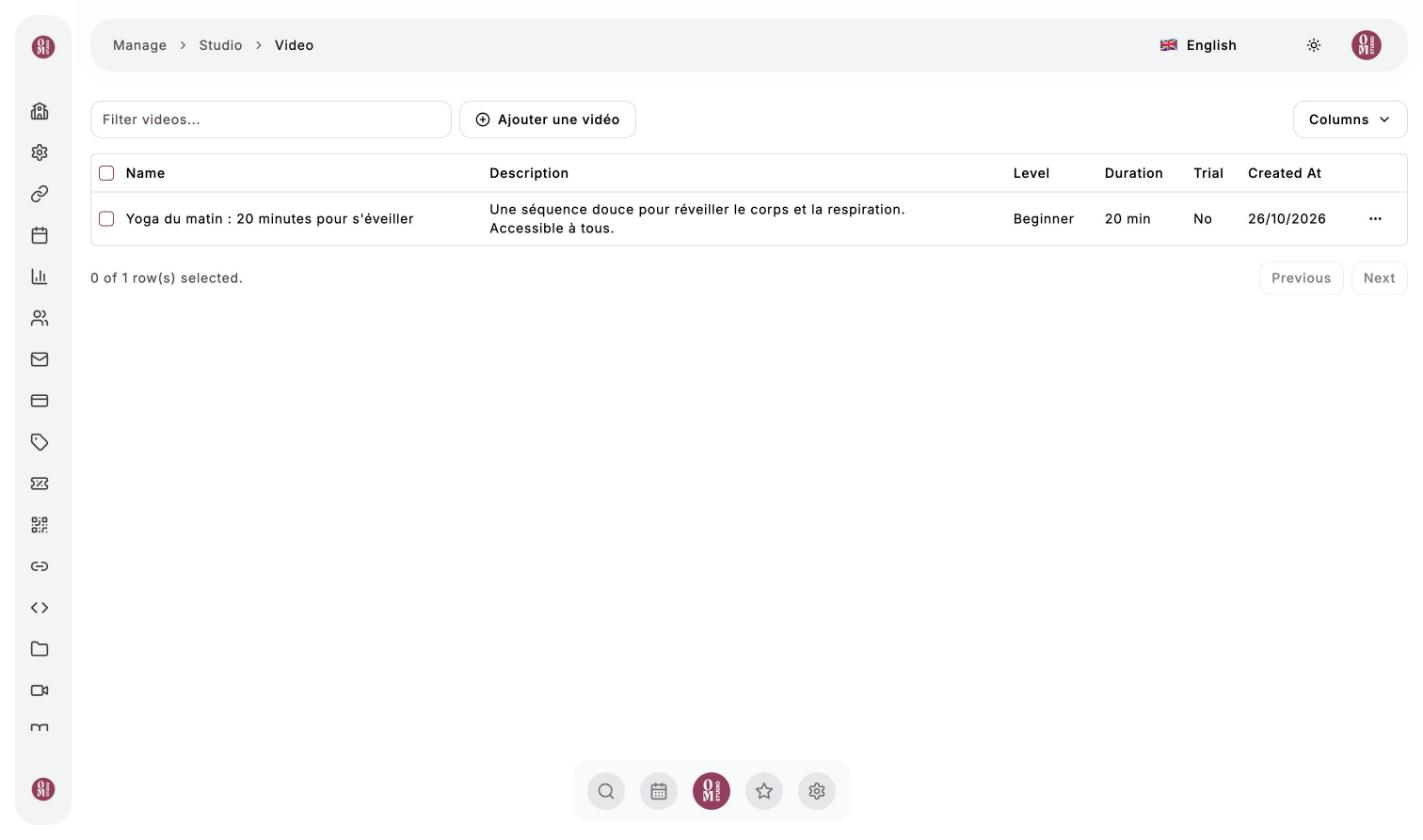
”My videos” menu, then “Ajouter une vidéo” (Add a video)
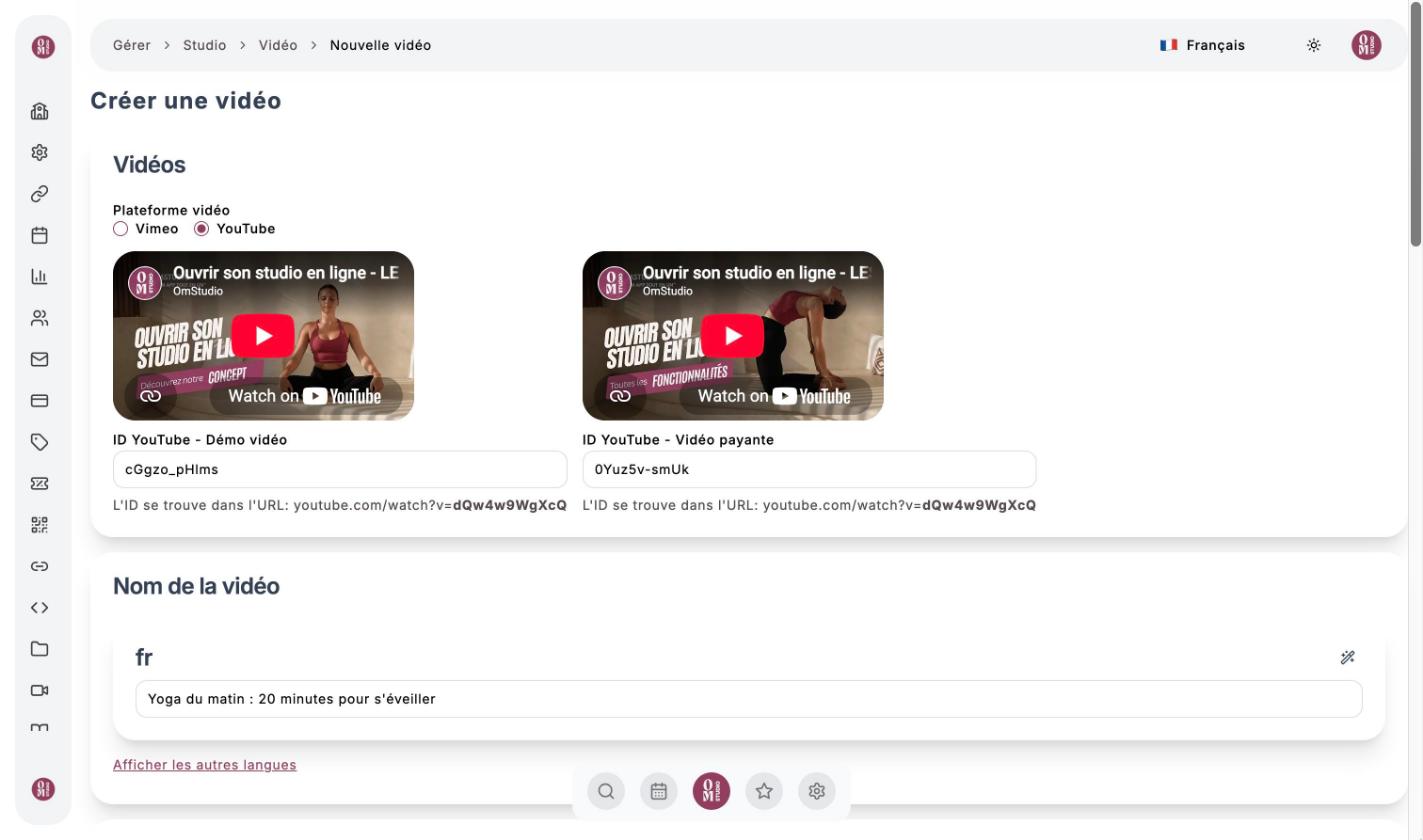
Enter the platform and the IDs
Choose Vimeo or YouTube, then paste two IDs: the Démo vidéo (demo, a preview anyone can see) and the Vidéo payante (paid video, the full session). On YouTube, the ID is the end of the address, after watch?v=. The preview appears immediately.
Describe the session
Name and description (translatable in one click), image, discipline, level, duration, instructors, Matériel (equipment) and Avantages (benefits), at least one of each.
Choose the access
- Mode essai gratuit (Trial) (free trial mode): the video becomes available to everyone, even without a subscription;
- Prix de la vidéo (video price): choose a price from the Videos family to sell it on its own, or leave “Non vendable individuellement” (not sold individually) to keep it for subscribers.
Click “Enregistrer les modifications” (Save changes)
On YouTube, set your videos’ visibility to Unlisted: they won’t be findable on YouTube, only through OmStudio. Only use royalty-free music.
Collections
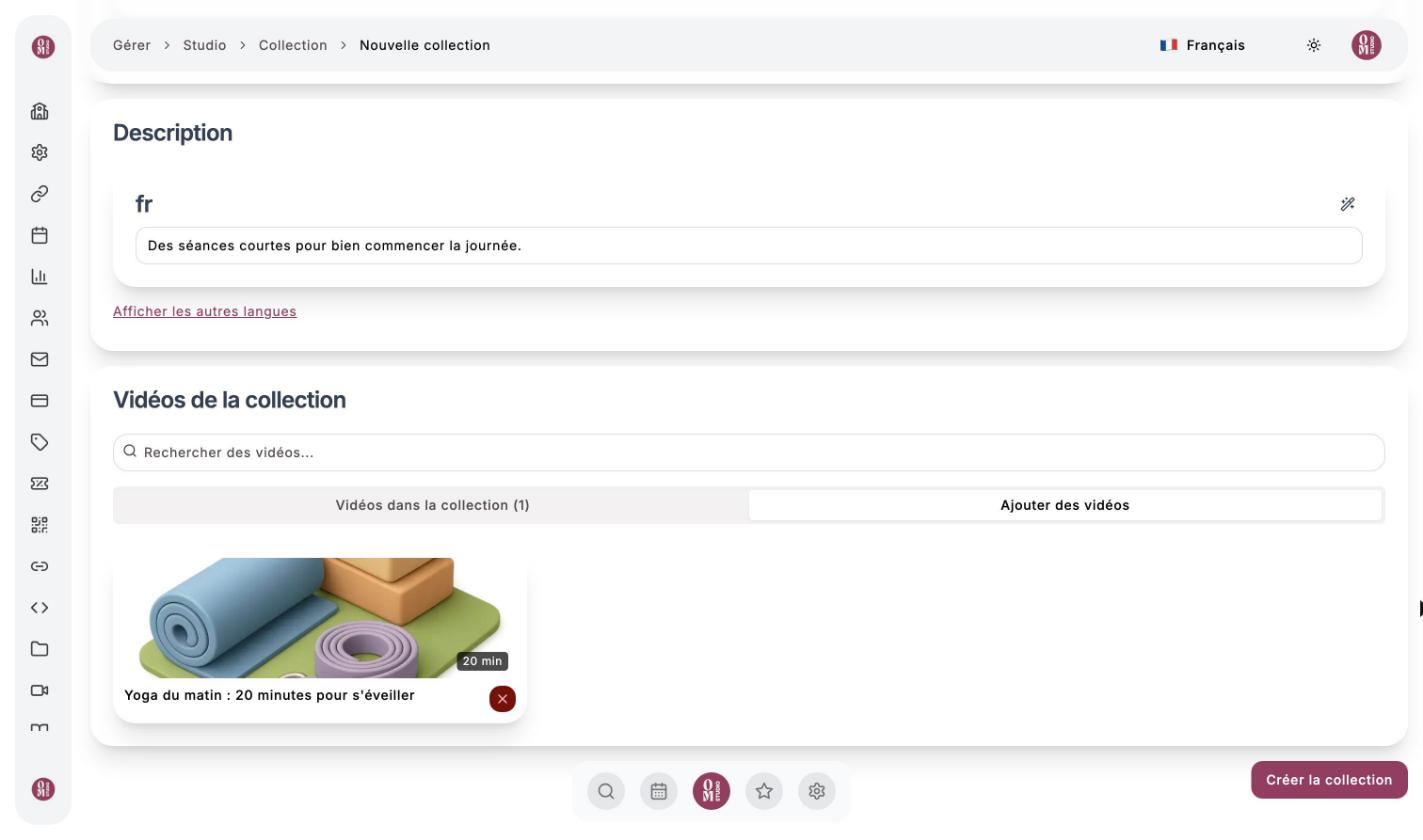
A collection groups videos on the same theme (“Morning routines”, “Beginner Pilates”…). My collections menu, then Ajouter une collection (Add a collection): add an image, a name and a description, then use the Ajouter des vidéos (Add videos) tab to choose the videos. The Visibility switch lets you prepare a collection without publishing it.
Programs
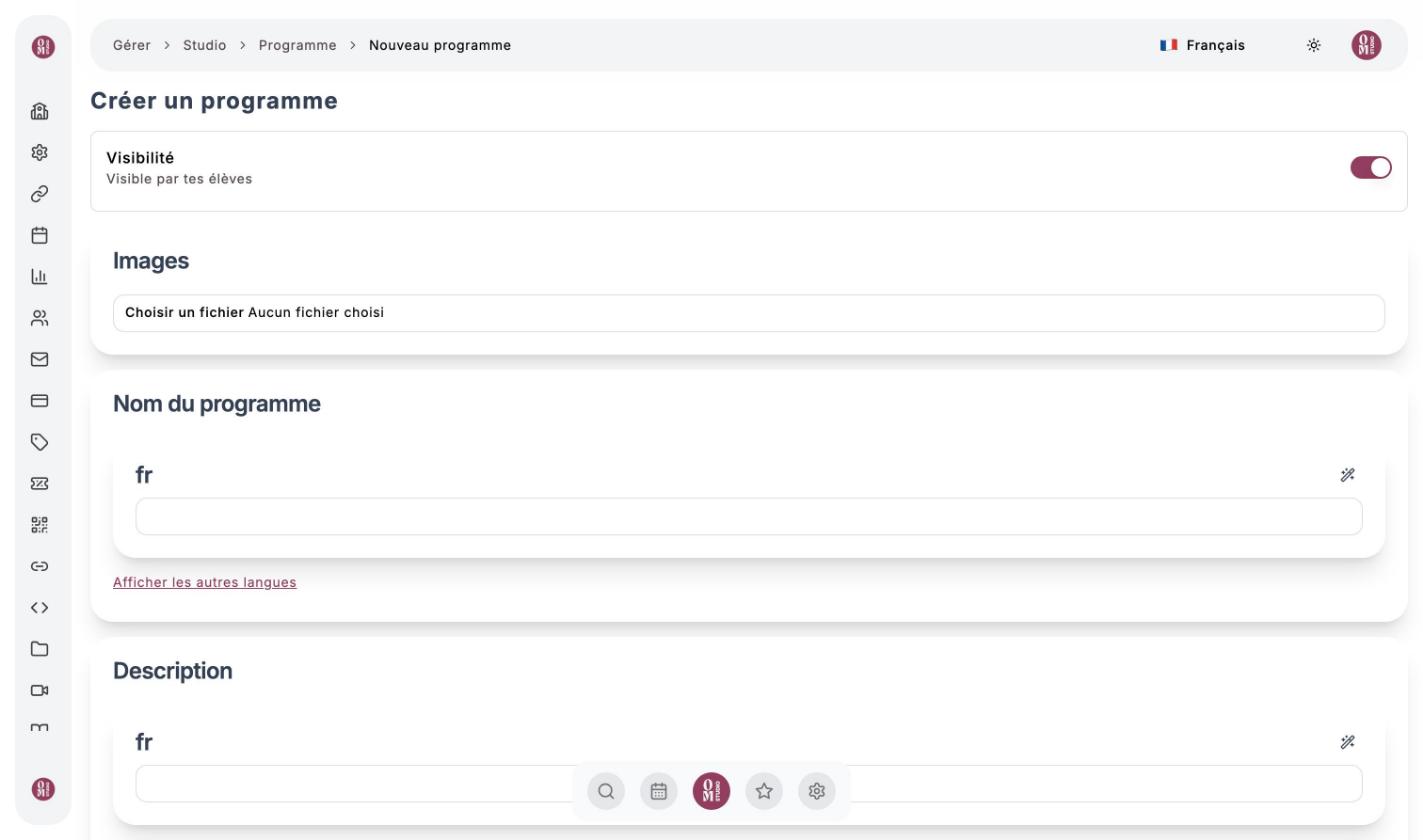
A program is a step-by-step course divided into stages (slides). My programs menu, then Ajouter un programme (Add a program): image, name, description, level, instructors, optional price and benefits. In Contenu du programme (Program content), create slides and add videos, PDFs and links to them.
The blog
My blogs menu, then Ajouter un blog (Add a blog). The editor lets you compose a post with text and images, then publish it. Posts appear in the Blog tab of your studio.