Communication
Four tools to get your studio known and bring your clients to book.
OneLink: all your links on one page
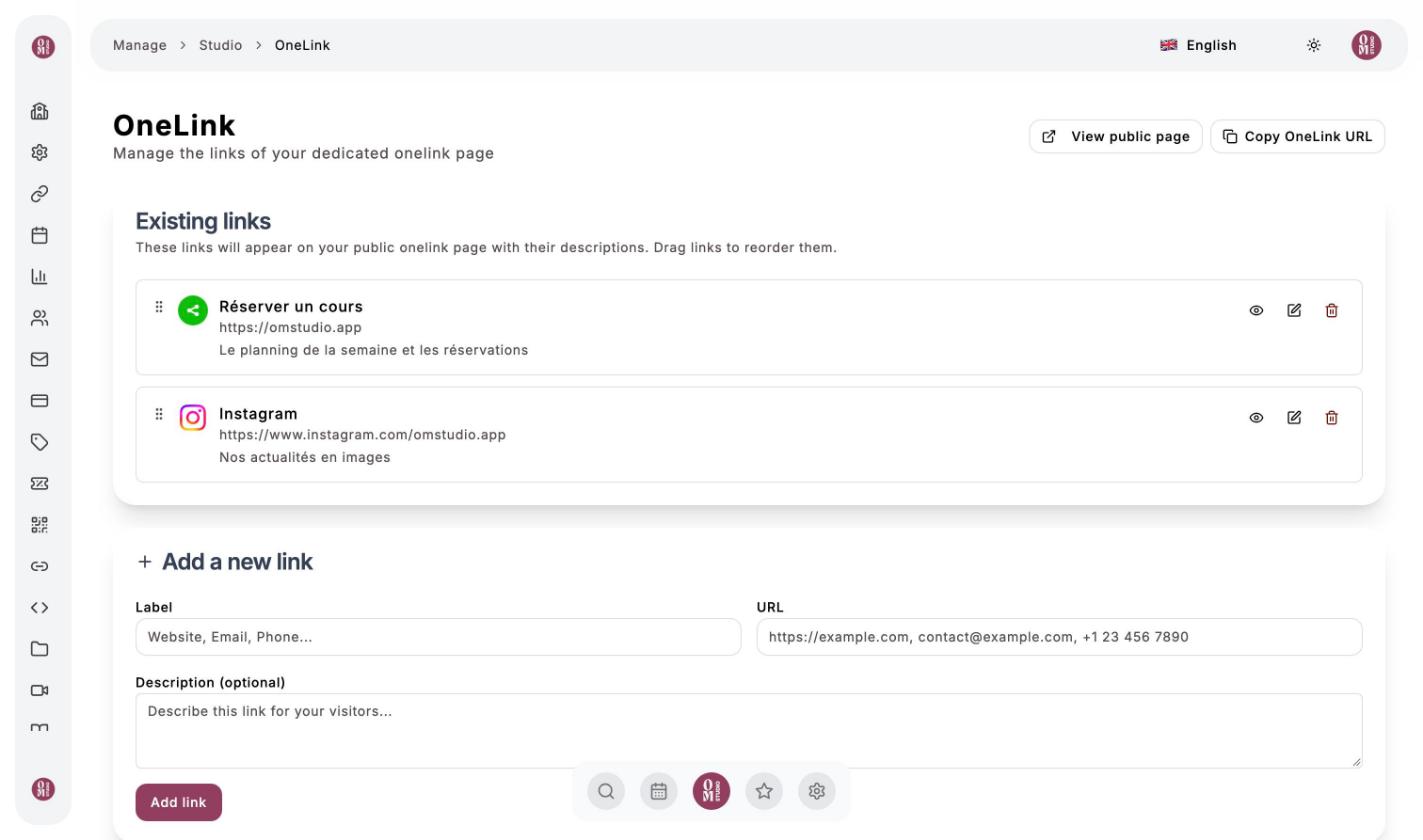
OneLink menu. Create a single page that gathers your links (booking, Instagram, website, phone…), perfect for your social media bio. For each link: a label, a URL and an optional description. Drag the links to reorder them, then use Copy OneLink URL to share it.
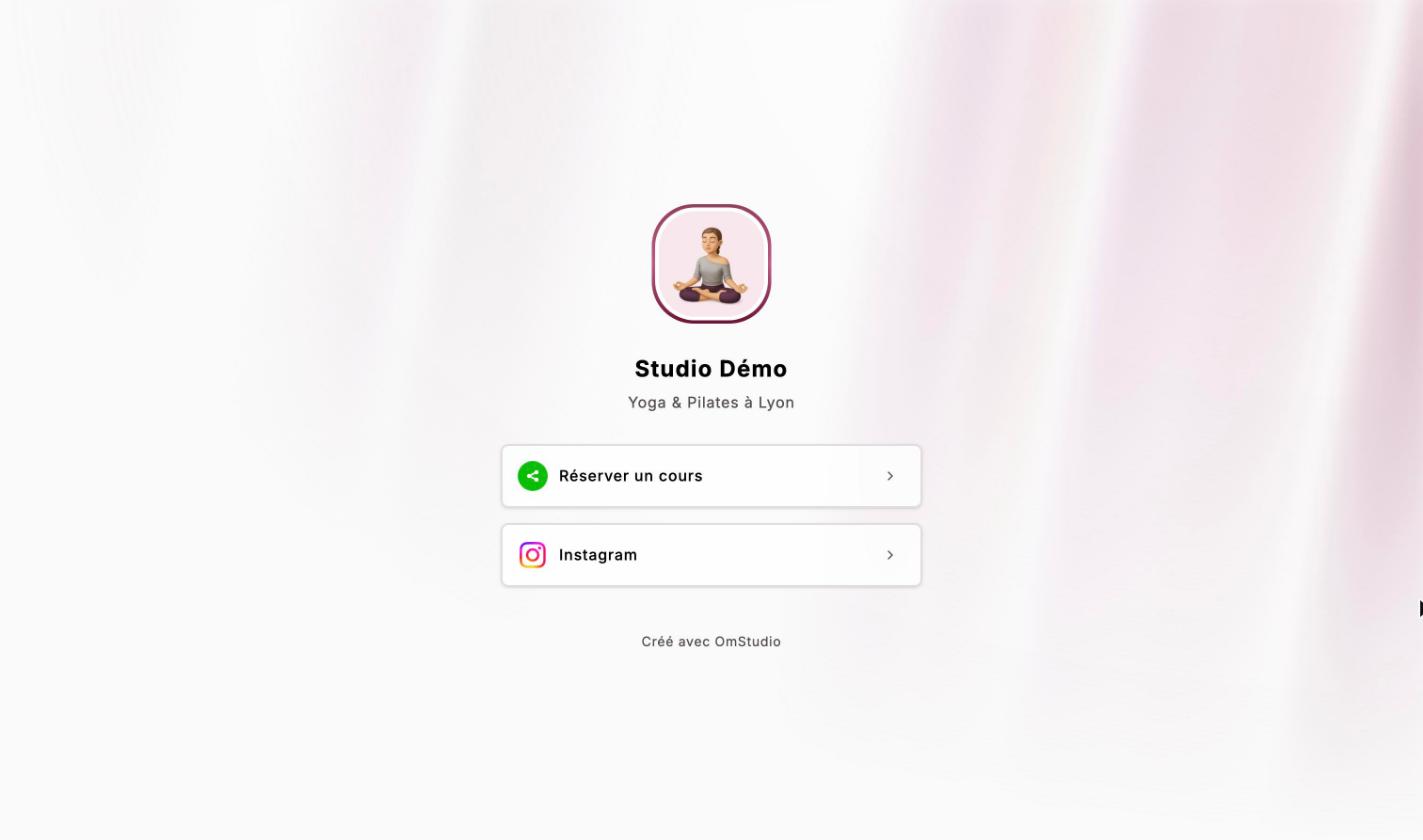
The result, as your visitors see it:
QR Code Generator
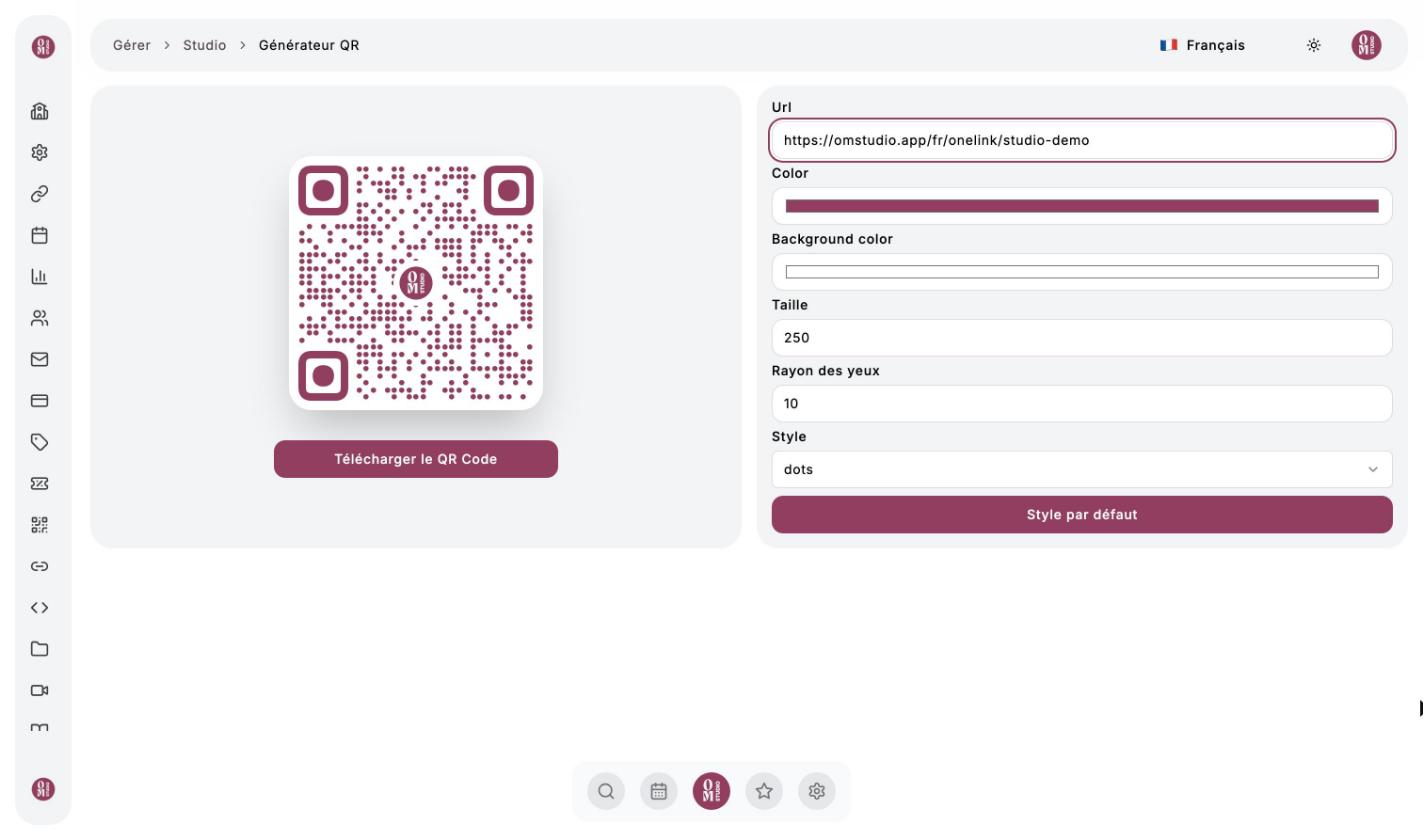
QR Code Generator menu. Enter the address to open (your calendar, your OneLink, an offer…), adjust the colors, size and style, then Download the QR Code. You can create as many as you want: posters, flyers, business cards.
Each class also has a share button to send its link directly.
URL Shortener
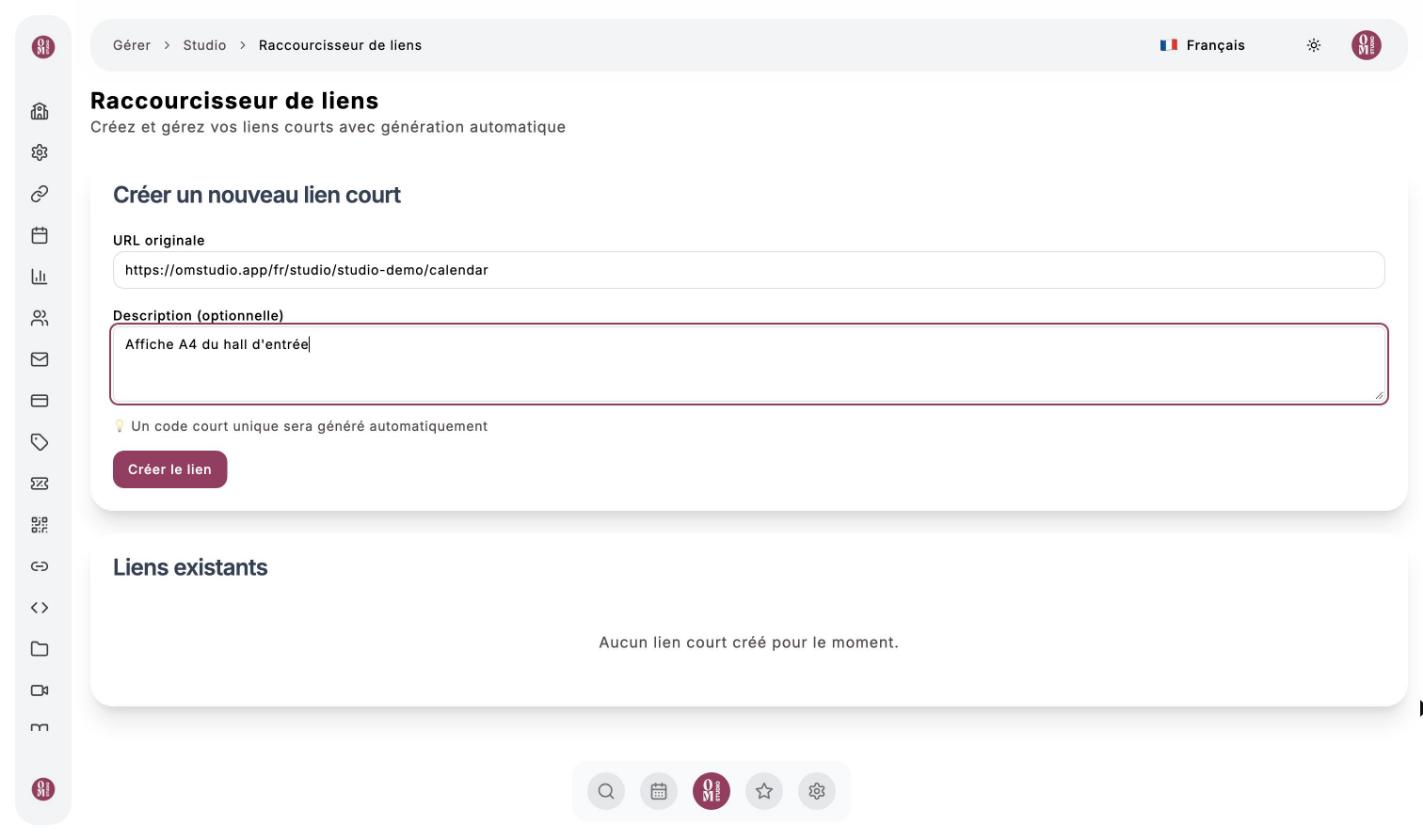
URL Shortener menu. Paste a long address, add a description to remember what it is for, then Create link: a unique short code is generated. Clicks are counted: create several links to the same page to find out which channel (poster, Instagram, newsletter) works best.
Widgets for your website
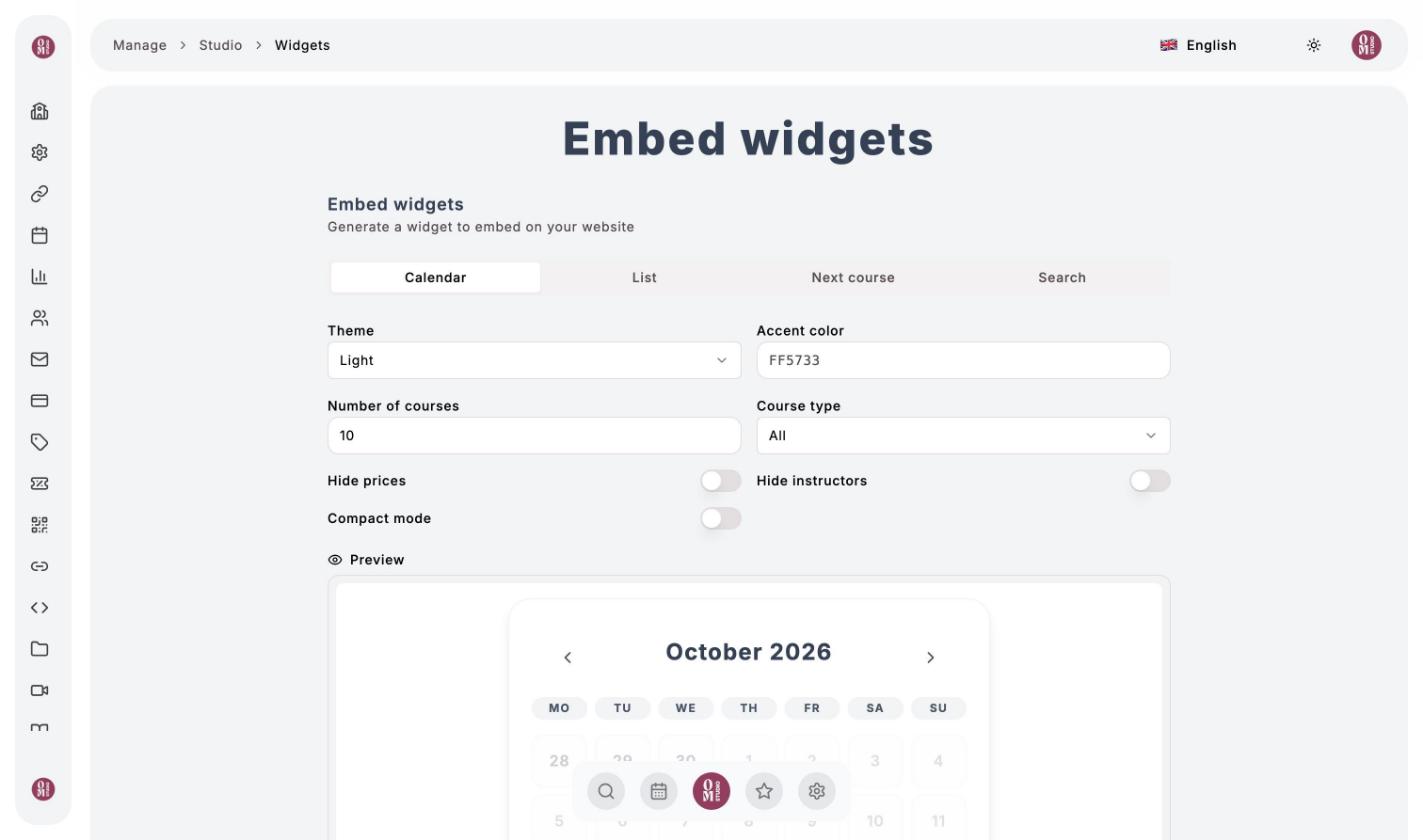
Widgets menu. Show your schedule directly on your website. Choose the type (Calendar, List, Next course, Search), the theme, the accent color and the number of classes, then hide prices or instructors if needed. Below the preview, click Copy code (HTML code to copy section) and paste it into a page of your site.