Create my account
You can browse studios without an account. To book a class, buy a top-up or subscribe, you need an OmStudio account: it’s free and works at every studio.
Visit without an account
On the login page, click Visit the application (at the bottom of the screen): you get access to the list of studios, their calendars and their offers.
Create an account
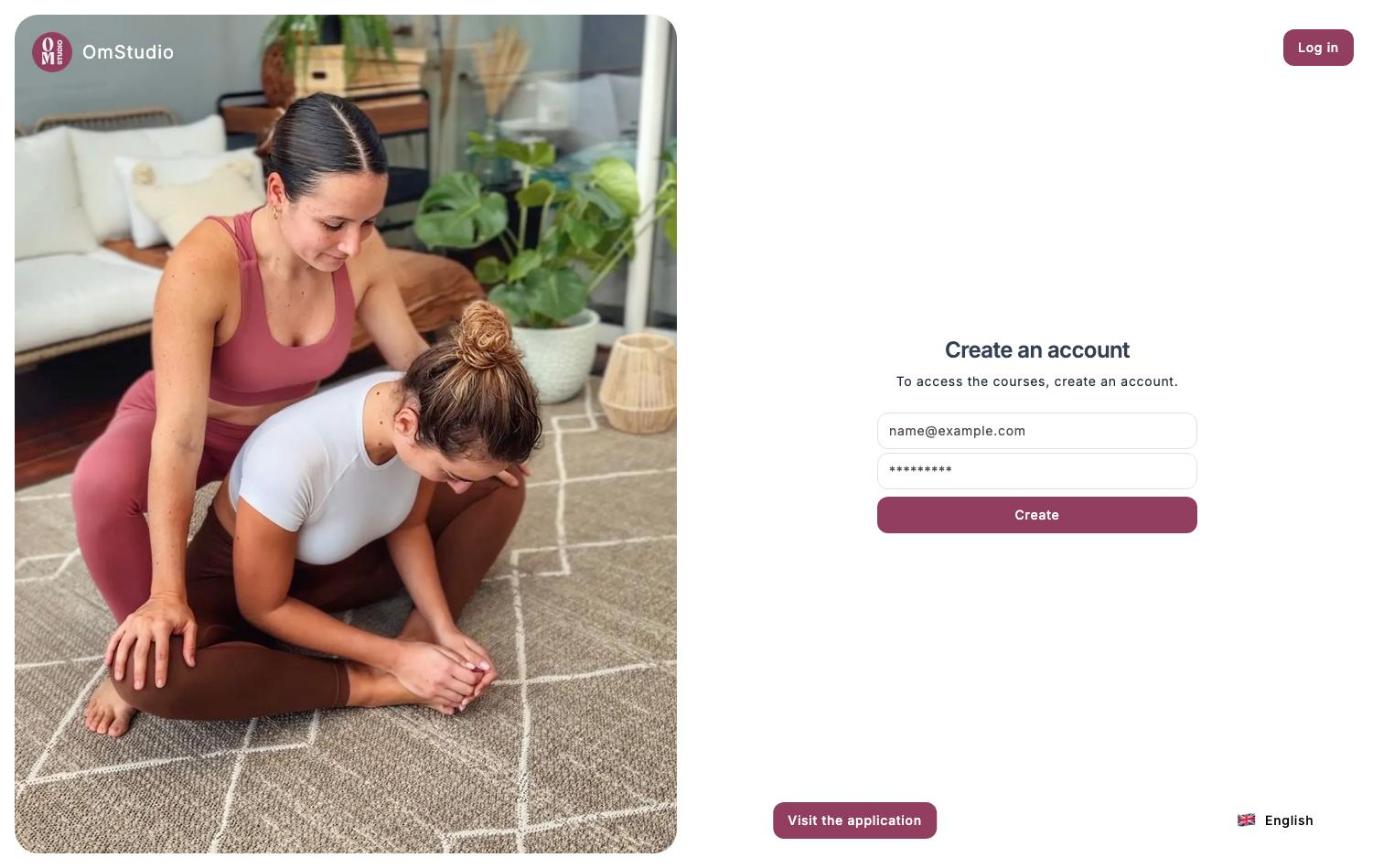
Open the sign-up page
Go to omstudio.app , then click Create an account at the top right of the login page.
Enter your email and a password
Then click Create.
Complete your profile
Enter your first name, your last name and a username. This is the name that appears in the teacher’s attendee list.
Log in
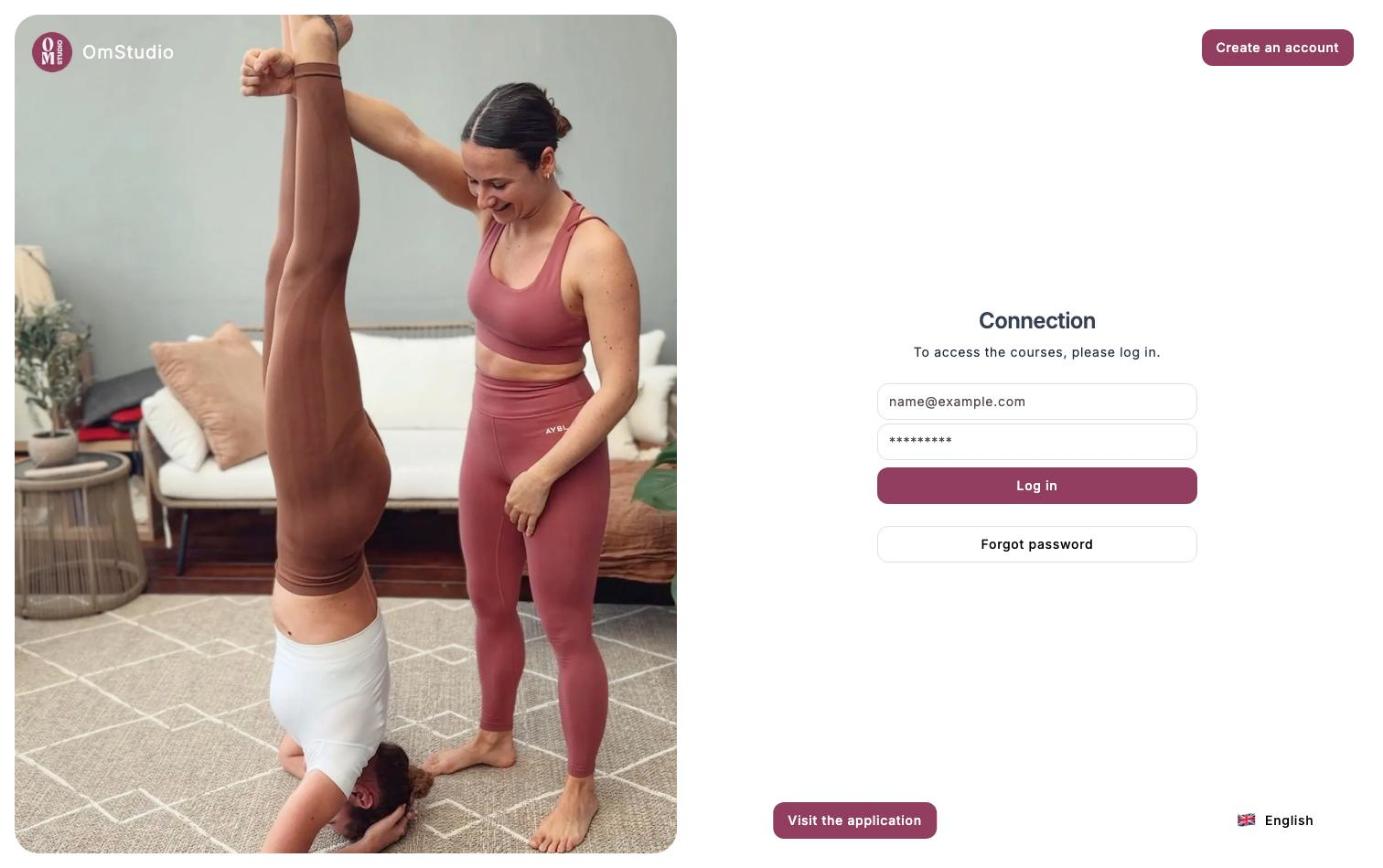
On the Connection page, enter your email and your password, then click Log in. If you’ve forgotten your password, click Forgot password: you’ll receive a code by email to choose a new one.
My account
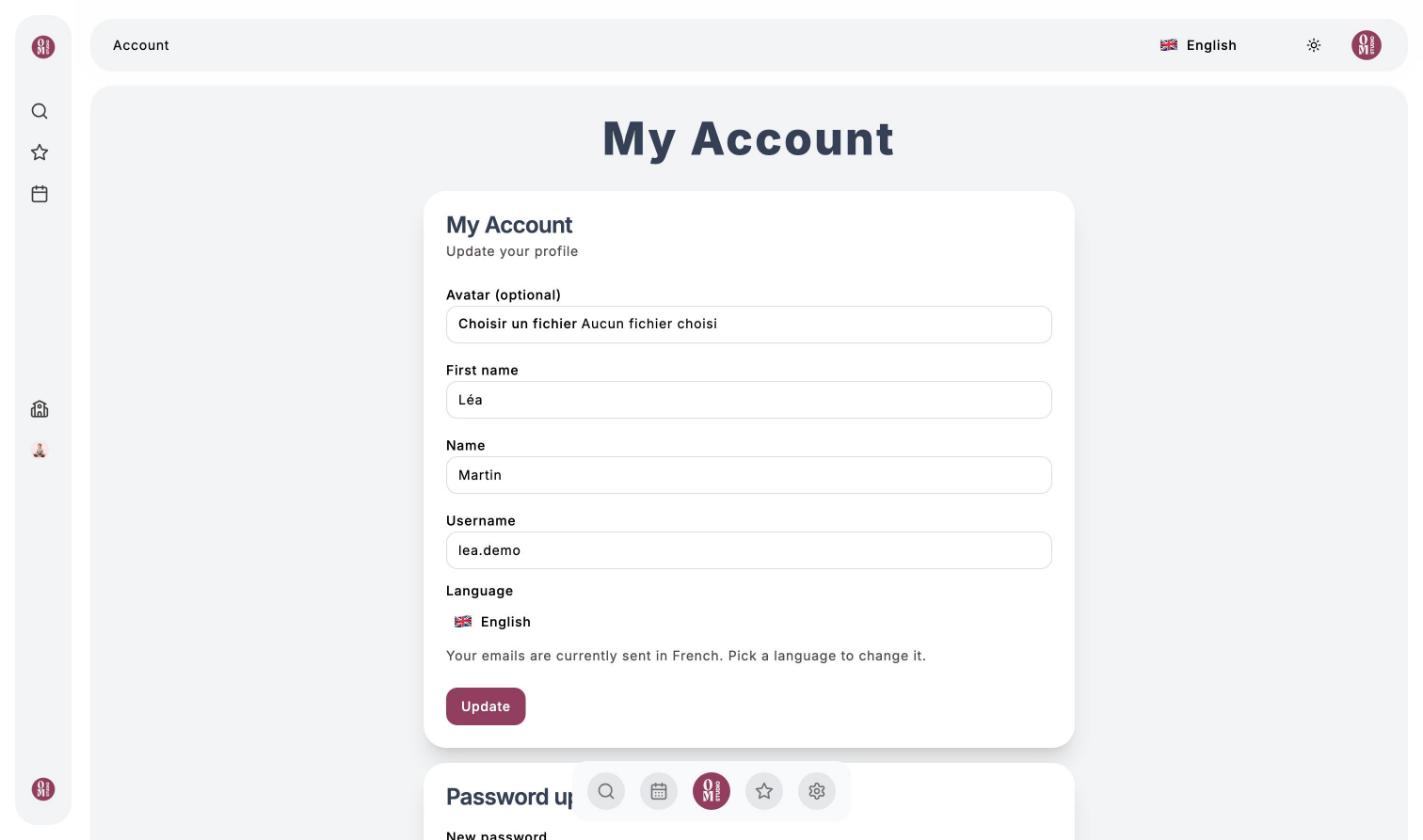
Click the settings icon in the bottom bar, or your avatar at the top right, then Profile. The My Account page lets you:
- change your photo, your first name, your last name and your username;
- choose your language (French, English, German or Spanish): it’s also used for the emails you receive;
- change your password;
- delete your account.
Deleting your account is permanent: your bookings, your history and your Om-Money can’t be recovered.