Payments
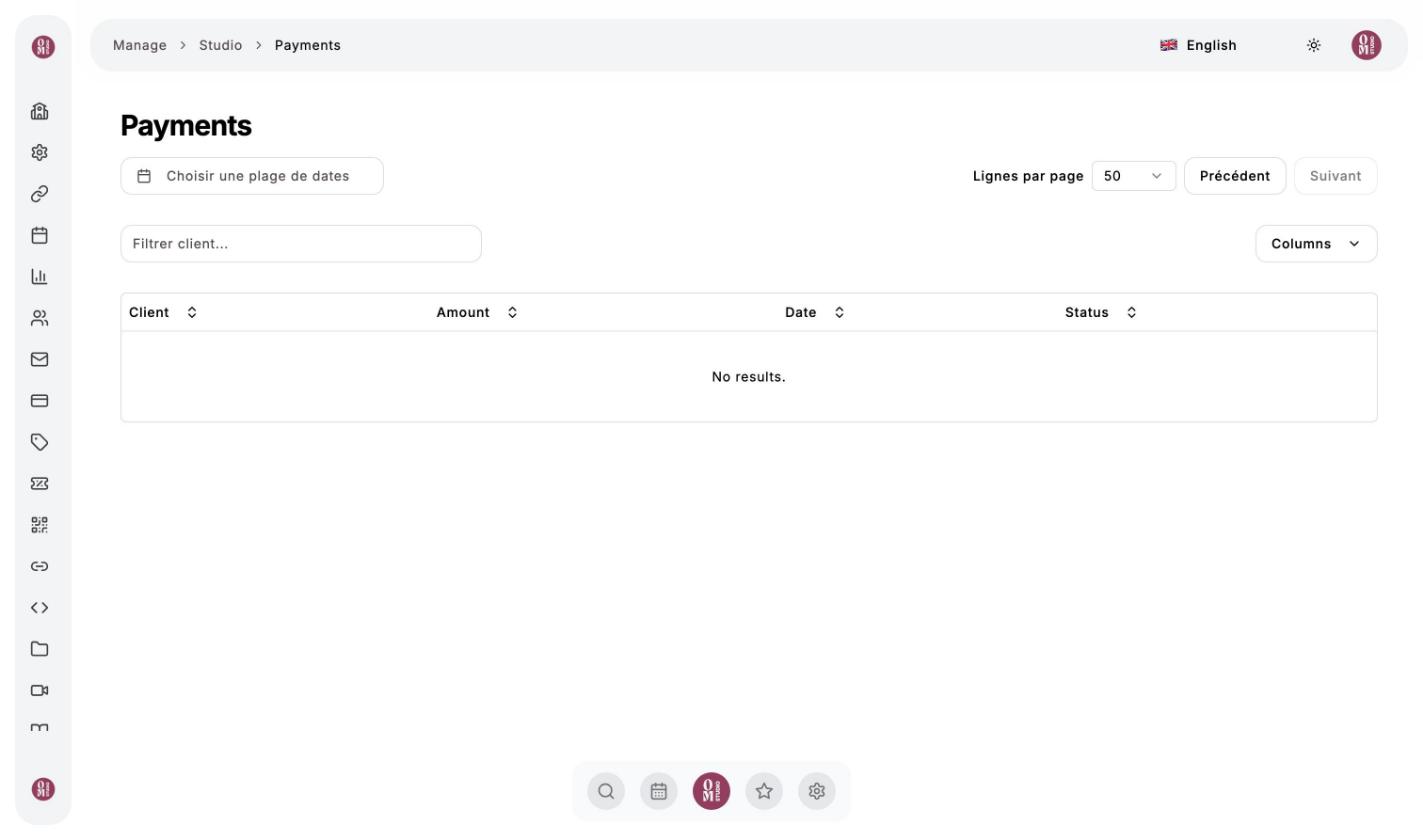
Payments menu. Here you find all the card payments received by your studio: classes, recharges, memberships, videos and programs, with the client, the amount, the date and the status.
- Choisir une plage de dates (Choose a date range) to see only one period;
- Filtrer client (Filter by client) to find one person’s payments;
- Columns to show or hide columns.
Bookings paid with Om-Money do not appear here: they do not involve a new payment. They are shown in each client’s wallet and in your statistics.
How are payments collected?
Card payments go through Stripe, OmStudio’s secure payment provider. OmStudio takes a 5% commission per payment, with a minimum of €0.50 per transaction. For any question about your payouts, write to omstudio.app.contact@gmail.com.
Refunds
When a client cancels within the deadline, or when you cancel a class, the client is credited back in Om-Money at your studio, not on their card. For a goodwill gesture, credit their wallet.
Last updated on