Find and follow a studio
Search for a studio
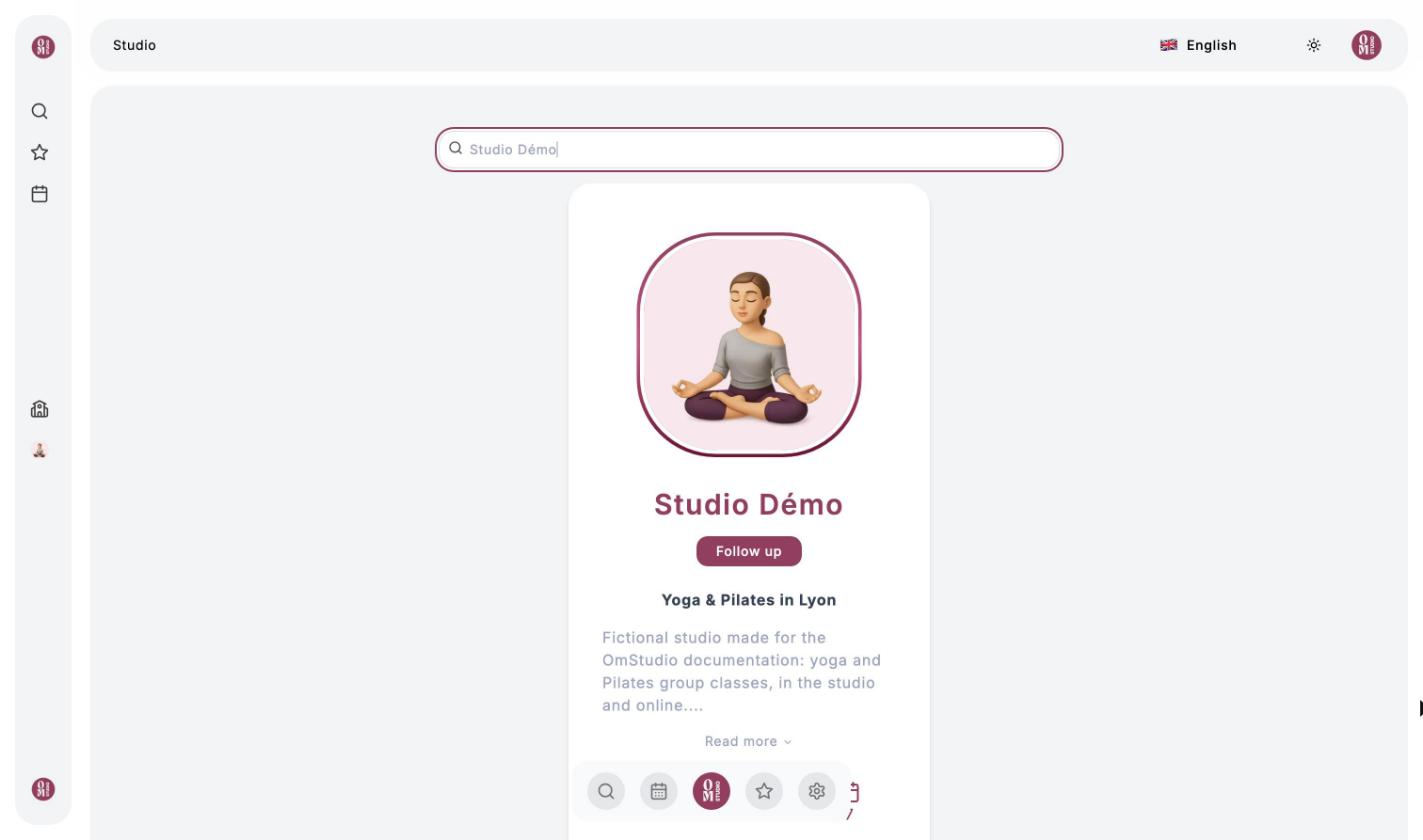
Click the Search for a studio magnifier in the left menu, or the OmStudio logo in the middle of the bottom bar, then type the studio’s name. Each card shows the studio’s title and description, and its number of followers, videos and upcoming classes.
Follow a studio
Click Follow: the button changes to Follow up and the studio is added to the left menu, so you can get back to it in one click. You can stop following it at any time by clicking again.
A studio’s page
At the top of the page, you’ll find the studio’s name, its teachers and its description. At the top right, a counter shows your Om-Money balance at this studio. The icons below the description open the studio’s sections (only the ones the studio has turned on are shown):
| Icon | Section |
|---|---|
| Open book | Blog: the studio’s articles |
| Screen | Video Collections |
| Trophy | Multi-step Programs |
| Calendar | Class Calendar, to book |
| Question mark | The studio’s FAQ |
| Cart | Offers: top-ups, subscriptions, videos and programs to buy |
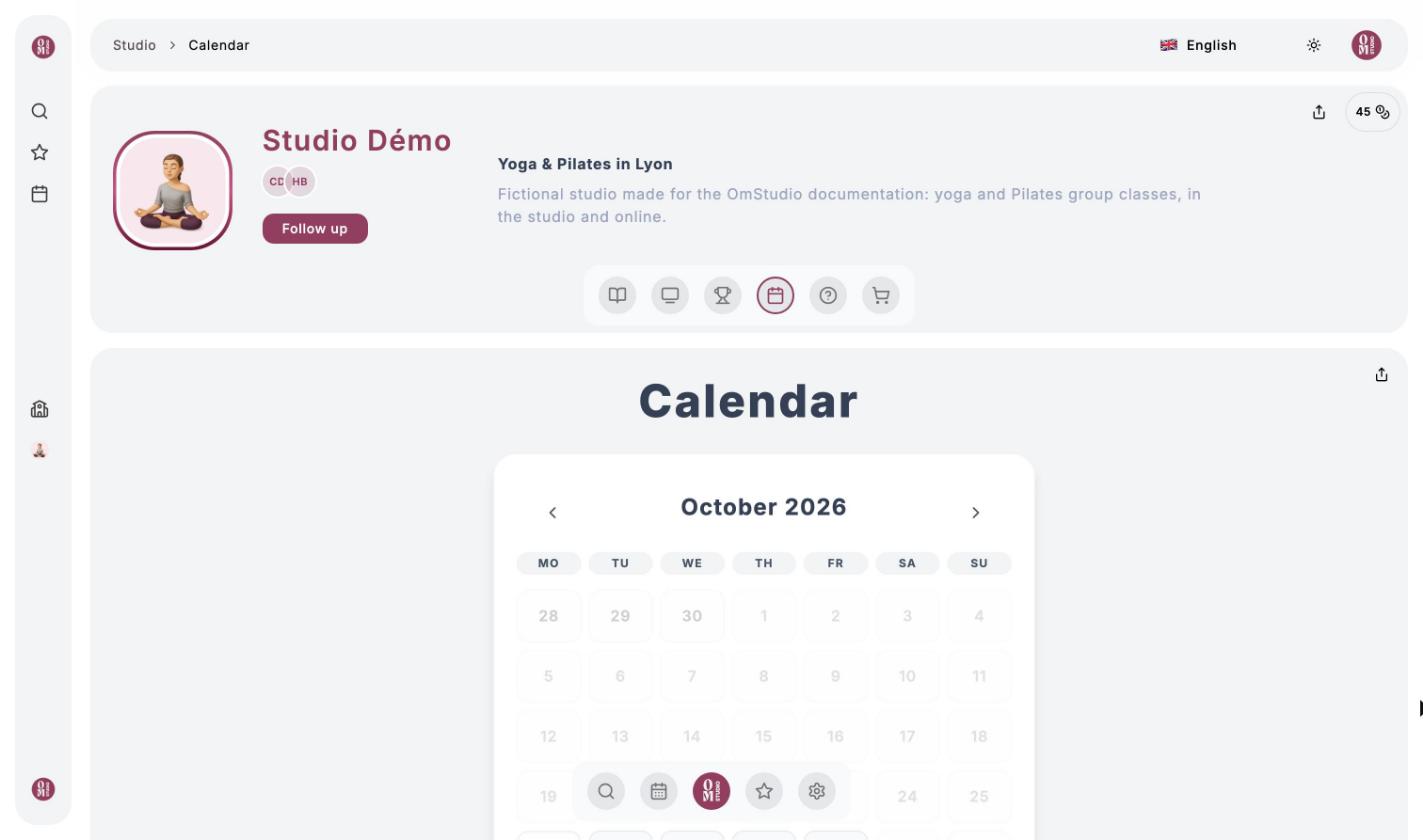
The share button, at the top right, copies the studio’s link so you can send it to a friend.