Book a class
Each studio publishes its classes in its calendar: in-studio classes, live online classes and events. Anyone can browse it, but you need an account to book.
Open a studio’s calendar
Find the studio
Click the Search for a studio magnifier in the menu, type its name, then click its card. Studios you follow also show up directly in the left menu.
Open the Calendar tab
Under the studio’s name, click the calendar icon. Days with classes are marked with a dot, and the upcoming classes are listed below.
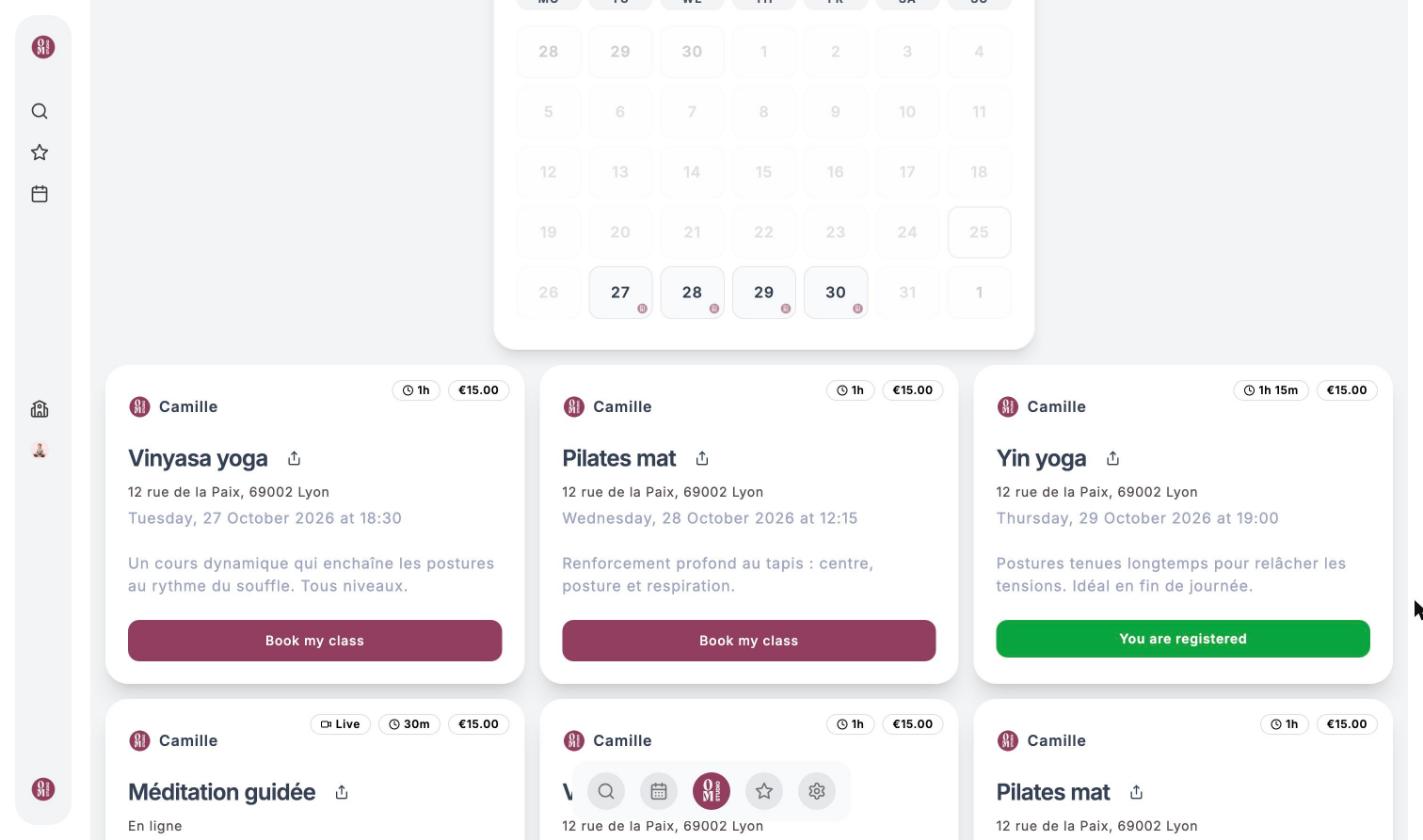
Each card shows the teacher, duration, price, address (or “En ligne” for a live online class, marked with the Live badge), then the date and time. Times are always shown in the studio’s time zone.
Book a class
Click “Book my class”
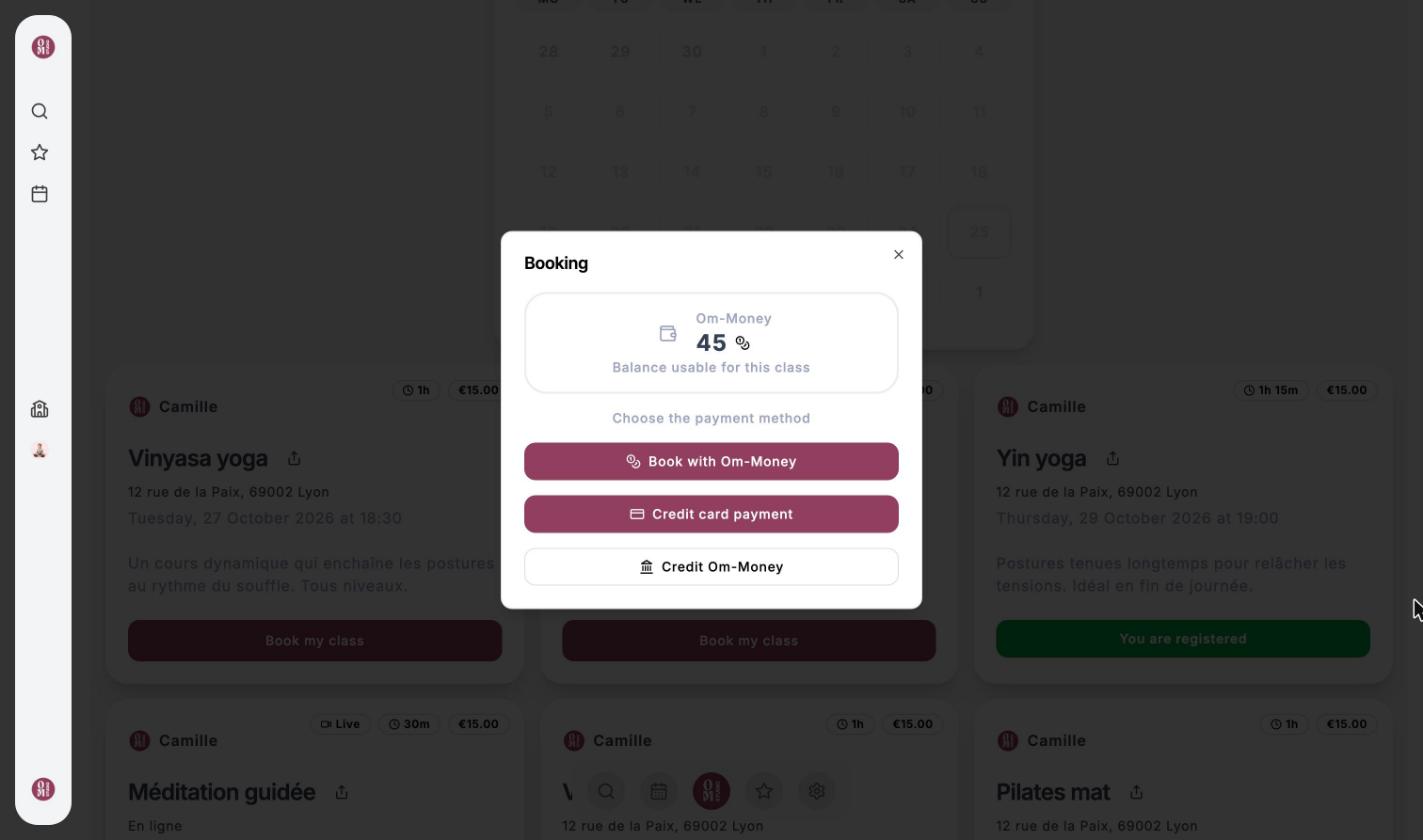
The Booking window opens and shows the Om-Money balance you can use for this class.
Choose how to pay
- Book with Om-Money: the price is taken from your wallet at this studio.
- Credit card payment: you are sent to the secure Stripe payment page, then back to OmStudio.
- Credit Om-Money: buy a top-up if your balance is too low.
Each payment method is detailed in Pay for a class.
You’re booked
The button turns into You are registered and you receive a confirmation email.
A full class shows “The course is full” and can no longer be booked. Some studios don’t accept Om-Money on every class; in that case only card payment is offered.
Find my bookings
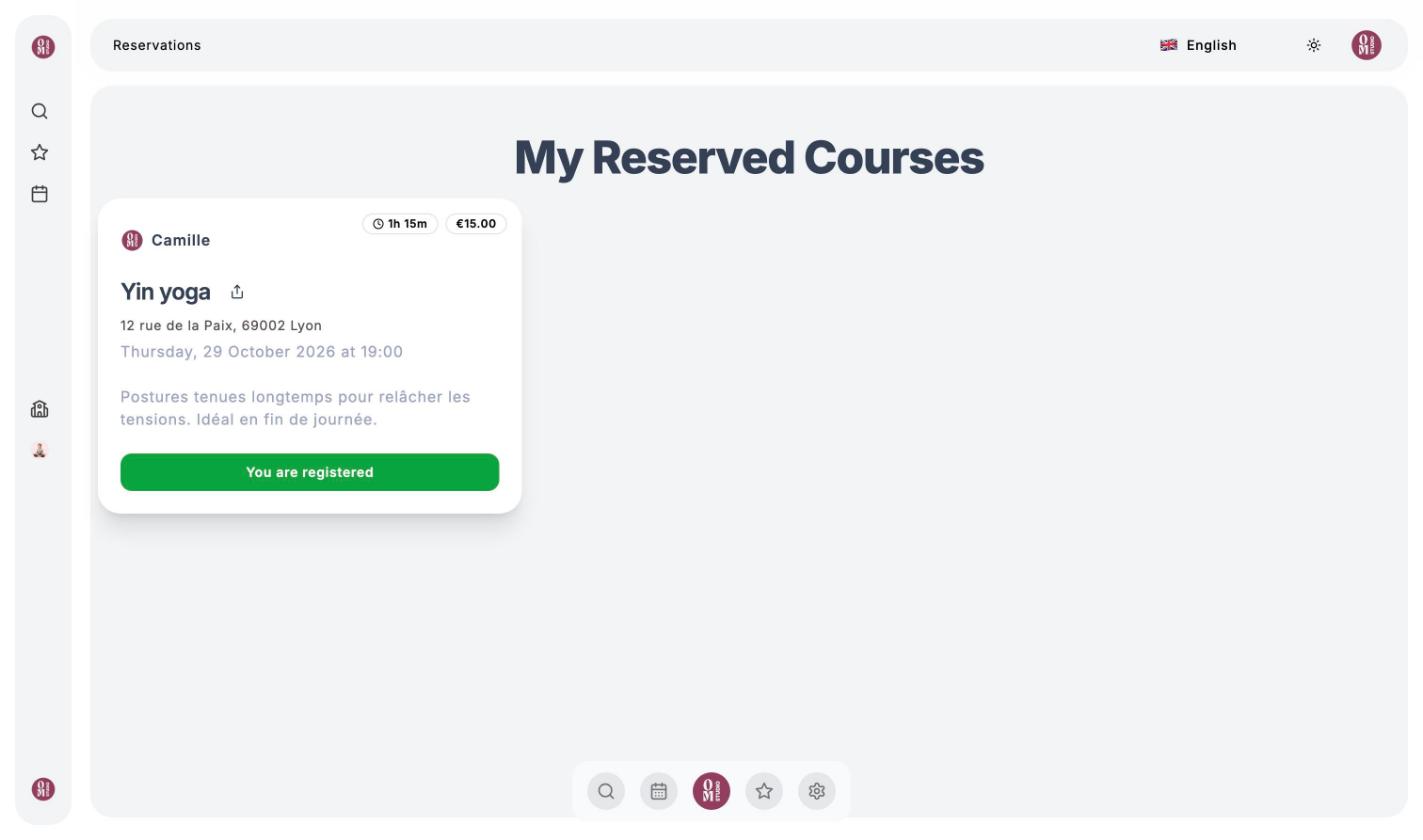
Click the calendar icon in the menu (My reservations): all your upcoming classes are there, across every studio. This is also where you can cancel a booking.